
For store, supermarket, and restaurant owners
Your weekly ad, in every customer's pocket.
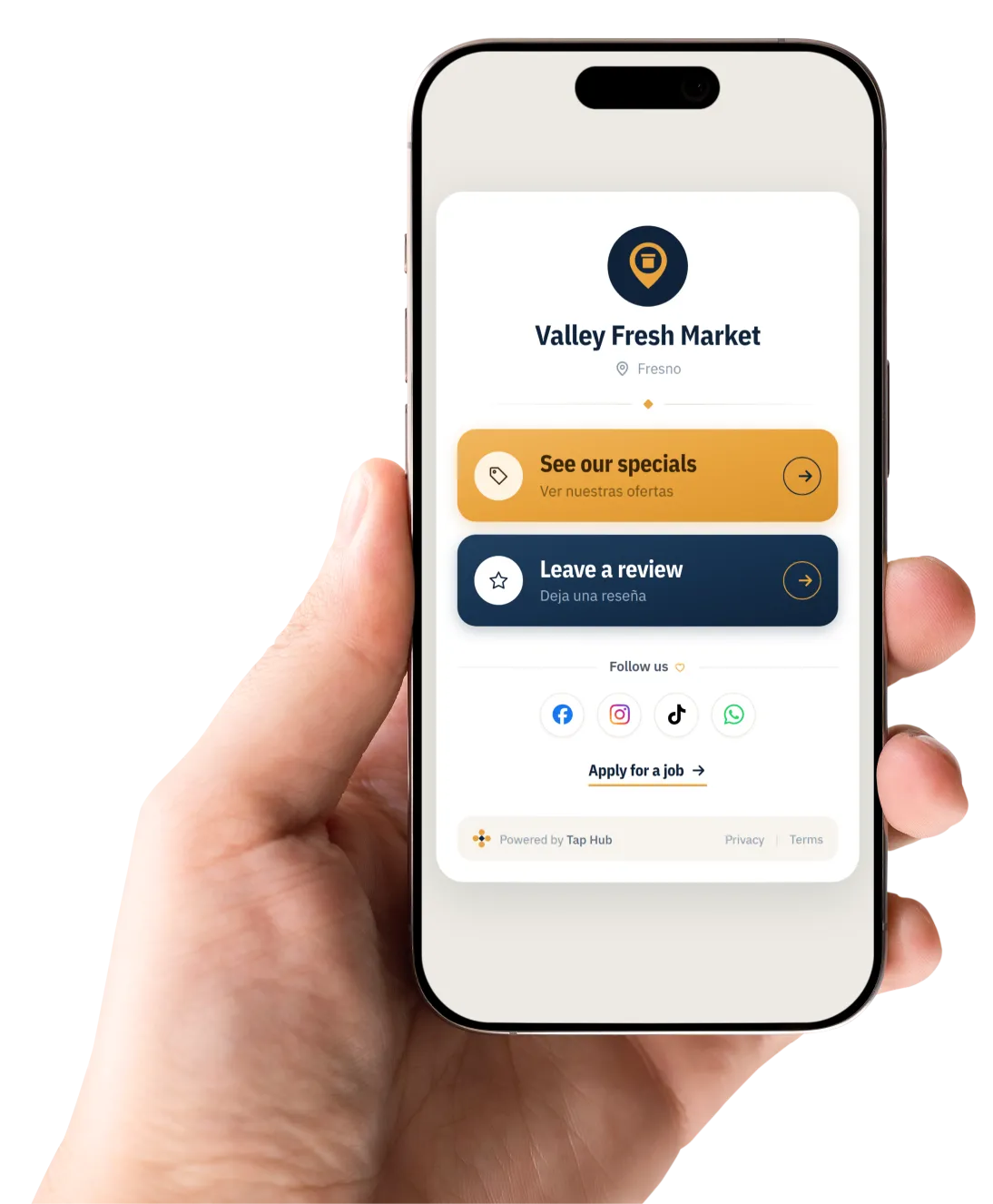
One small card at your register. Shoppers tap it to leave you a Google review, see this week's specials, and get your ad by text every week after that.
The problem
A flyer only reaches the people already inside.
You pay to print it. Then it stops working.
Hundreds of copies sit in a stack by the door. If a shopper doesn't come in that week, they never see a single special.
Once they leave, you can't reach them.
No phone number, no list, no way to tell them what's on sale — until they happen to walk back in on their own.
You never find out if it worked.
You know what the print run cost. You don't know how many people it brought back through the door.
Reviews
More reviews, asked for at the right moment.
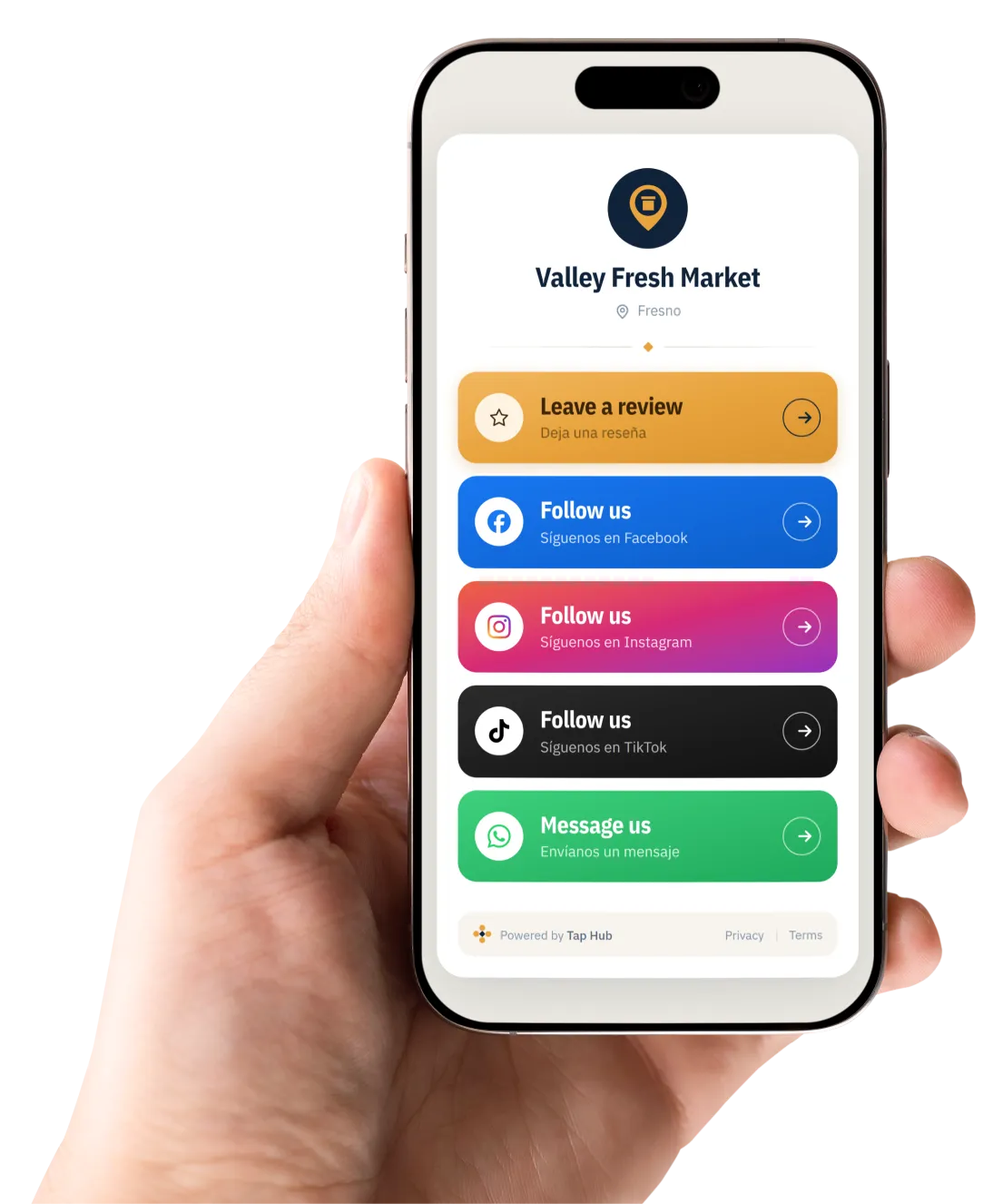
A shopper who has just paid, is happy, and already has their phone in their hand is the easiest review you will ever get. The card puts your Google review page two taps away while they are still standing at your counter.
Two taps, no app
They tap the card and land on your review page. Nothing to download, nothing to type in.
On both plans
The review button is on every Tap Hub page, including the $120 Starter plan.
Your other links too
Facebook, Instagram, TikTok, WhatsApp. Only the ones you actually have — the rest simply don't appear.
What your customer does
Three taps. Under ten seconds.
Nothing to install and nothing to remember. The same card keeps working for years — you only ever change what sits behind it.
Tap or scan
At the register, with the phone they are already holding. Older phones scan the code with the camera instead.
See this week's ad
Your flyer opens full screen on their phone. The same image your designer sent you, nothing rebuilt.
Leave their number
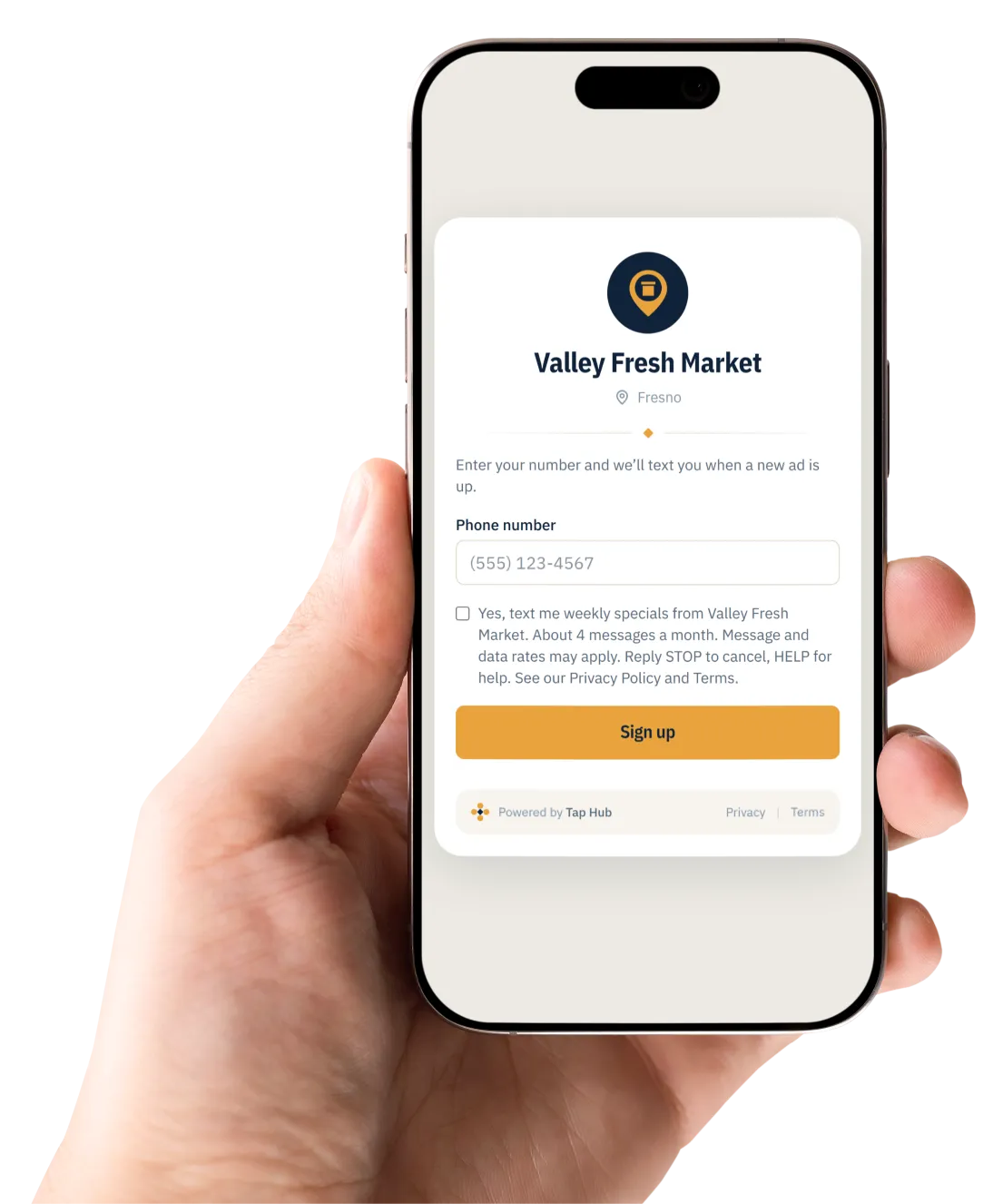
One box and a checkbox they tick themselves — never pre-ticked. Next week's ad comes to them without you doing anything.
What you do
Upload. Check. Publish.
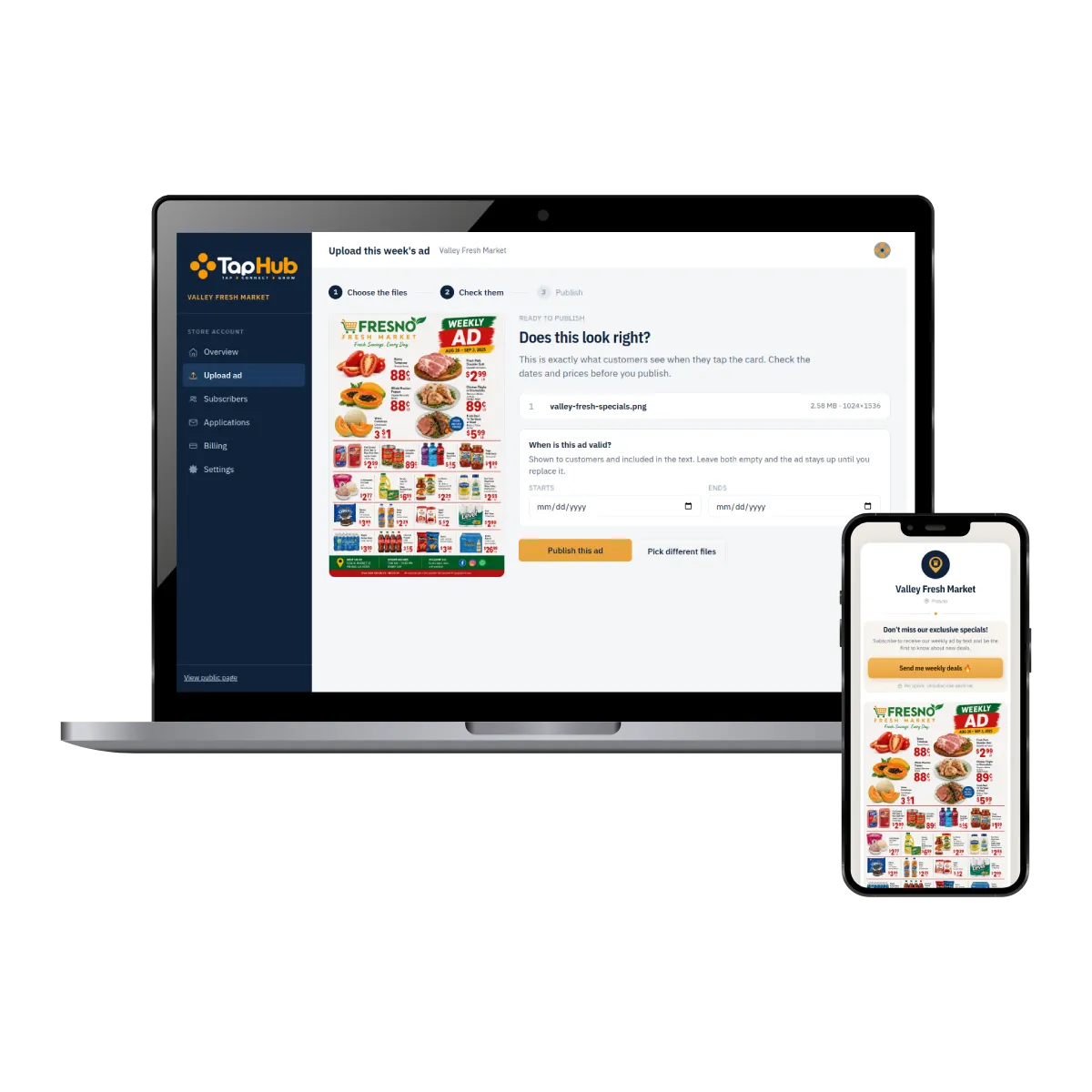
Your designer already makes the flyer, and nothing about that changes. You drop in the same file you already have, look it over, and send it.
Upload the file you already have
Drag in the image your designer sent you. No resizing, no renaming, no new software to learn.
Check the preview
You see exactly what a customer sees when they tap the card, before anything goes out. Set the dates it runs, or leave them empty and it stays up until you replace it.
Press publish
The ad goes live on your page, and every subscriber gets a text with the link to it.
About two minutes a week. That is the whole job.
Getting started
Set up this week. Sending by next.
We set up your page
Send your store name, your city and your Google listing. We build the page and test the review link ourselves before you ever see it.
Your cards arrive ready
Written, locked and tested. We bring them to your counter and show your cashiers how to point customers at them.
You upload your first ad
On Pro, we do the first upload and send it together. After that it is about two minutes a week, on your own.
Want to see it in your own store?
Send me an email with your store name and your city. I will set your page up before you decide anything, so you can tap the card yourself and see your own store on your own phone. Ask me about a free first month on Pro. No contract, no sales call — and I bring the cards to your counter and set them up myself.
Email mehello@tap-hub.app
Saleh · Echo Group LLC · Dinuba, California